

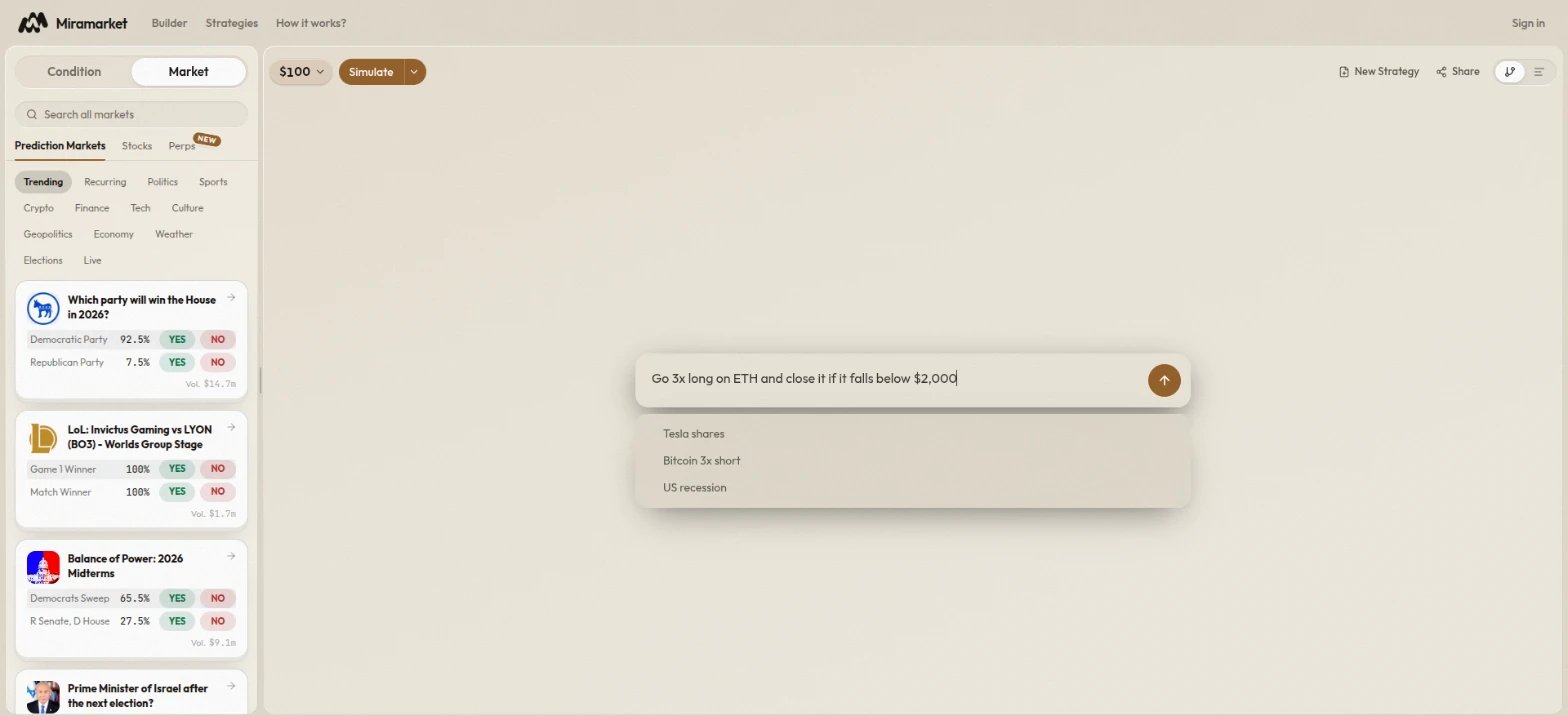
Describe a strategy
Type what you want the strategy to do, then press Send. Name the market, the side, and the prices or times that matter:- “Buy
YESon the Fed cutting rates in December if it drops below 40¢, sell everything at 70¢.” - “Buy TSLA if it crosses $400 and sell at $450.”
- “Go 3x long on ETH and close it if it falls below $2,000.”
Strategies use more than one venue
By default, the assistant spreads a strategy across two venues when it can. When you name a trade on one venue, it adds one related position on another venue that bets the same way. For example, beside a Nasdaq short on Hyperliquid, it might buyYES on a Polymarket market about stocks falling.
- Budget: the total stays the amount you set. The related position gets 30% of it, and the amounts you named get the other 70%. For example, a $20 short becomes a $14 short and a $6 related position.
- Timing: it opens when your trade opens, and a “sell everything” exit you set sells it too.
- What it tells you: the reply names the added position and how to remove it. When nothing related fits, or your trade would fall under a venue’s minimum after the split, it says the strategy stays on one venue and why.
- To keep one venue: say so, for example “just short BTC 2x with $30” or “only this trade, nothing else”. You can also ask it to remove the added position afterward.
Describe a situation instead
You do not have to choose the market yourself. Describe a news situation or an event, such as “build a strategy around this week’s Fed meeting”, and the assistant researches it first:- It reads recent news about the situation. One headline at a time appears under the progress line, with its source.
- It finds the markets the situation could move.
- It designs a strategy from what it read, on two venues when the situation has markets on both (for example, a Polymarket market and a Hyperliquid perp).
Answer its questions
When a request could mean several markets, the assistant asks which one you meant. It shows the candidate markets grouped by event, or the different ways it could read your request. Select one and click Confirm. If something is missing, such as a price or a side, it asks for it instead of guessing. Reply in the chatbox.Edit or explain the current strategy
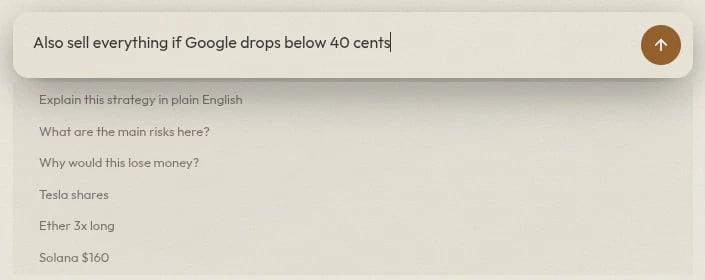
Once a strategy exists, use the same chatbox to change it or ask about it:- “Also sell everything below 30¢.”
- Explain this strategy in plain English
- What are the main risks here?
- Why would this lose money?
Use the strategy it builds
A built strategy appears in the conversation under Strategy created, drawn as a small graph of its first steps. Click +N more steps to see the rest.- Amount: type to change how much the strategy starts with.
- Run control: Simulate, or Run Live from its menu, runs the strategy from the conversation.
- The steps: click them to open the strategy on the canvas, where you can review and edit every node.
Languages
Write in English for the most reliable results. If you write in Korean, Japanese, Chinese, Russian, or Arabic, the assistant replies in that language.Before you run
The assistant builds what it understood, not necessarily what you meant. Before any run:- Confirm every market, named outcome, and side, or
LONGorSHORTfor a perp. - Check every threshold, time, and allocation.
- Use Simulate first, then the live-run checklist before Run Live.