

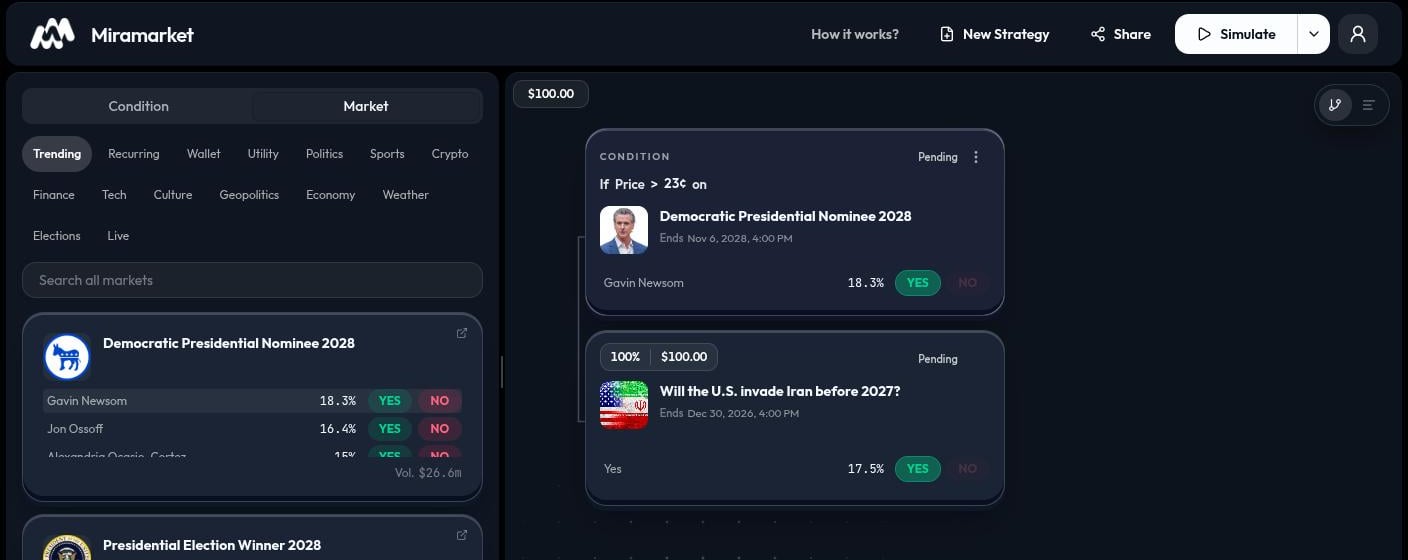
Main areas
Nodes on the canvas
Every strategy starts with a node. A condition checks a rule. A market action buys a selected outcome. Hold keeps the current position open. Wallet directs funds to the selected wallet destination. Click a palette card to add it relative to the node you selected. Dragging is useful when you want to place a node before, after, or below another node. The canvas arranges the resulting path for you; you do not need to draw connectors manually.A simple strategy
Start with one condition and one market action. For example:If the selected outcome is aboveOne action receives a50¢, buy itsYESside.
100% allocation by default. When a condition has more than one action, make sure the allocations add up to 100%.