

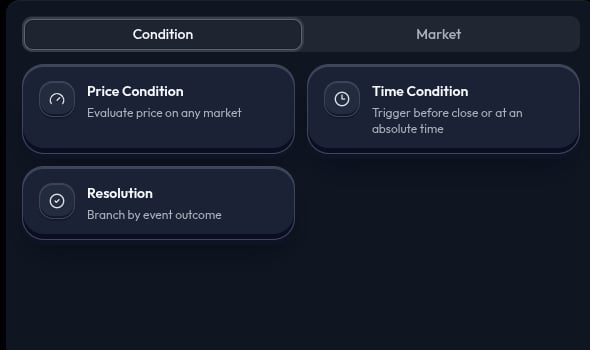
Node reference
Start and continue
You can start with a condition when you want to wait for a rule, or start with a market action when you want to enter immediately. Add a market, Wallet, or Hold action after a condition. Add another condition below a market action or Hold when the strategy should check a later rule. When one condition leads to several actions, those actions share the available amount. Their allocations must total100%.
Tip: a condition without an action only watches a rule. Add an action after it before you run a strategy.
Conditions at a glance
Price Condition can watch the market you are about to trade, a market from an earlier step, or another market you select. The market displayed inside the condition is the one being watched. It is not a second purchase.
Read Conditions for setup details.
Actions at a glance
Read Actions for allocation and continuation examples.
Read the canvas
Follow the canvas from the first node:- A condition states what must happen.
- The actions after it show where the available amount goes.
- A later condition below an action adds another check after that action.