

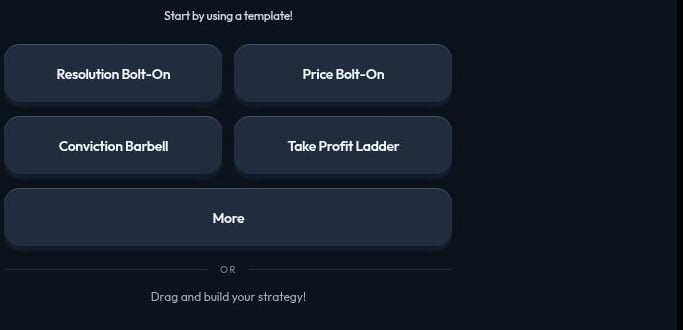
Start from a template
Click New Strategy, then choose a template instead of building from an empty canvas.- The four quick picks apply immediately with real markets already chosen for you.
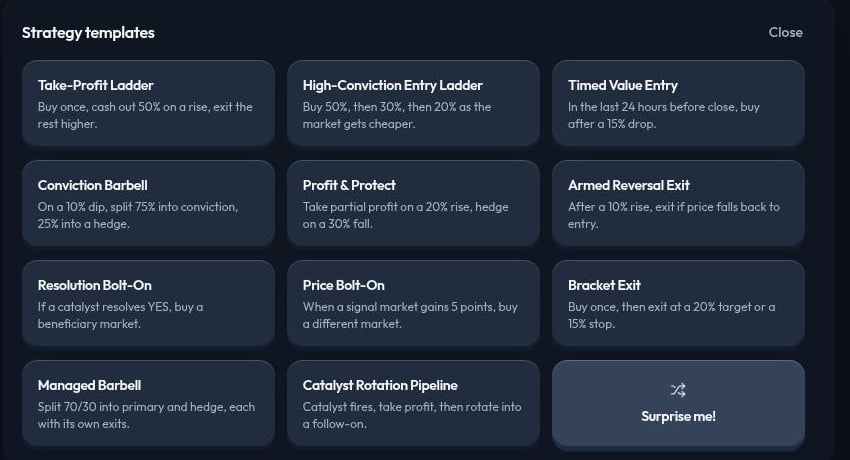
- More opens the full Strategy templates list, including Surprise me! for a random pick.
Fill the market slots
Some templates from the full list ask you to choose the markets yourself. Drag a market from the left Market panel into each named slot. Create Strategy stays disabled until every slot is filled.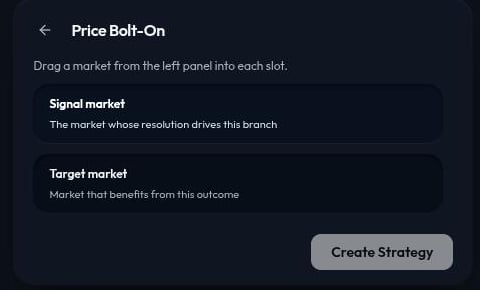
Template reference
Surprise me! picks a template at random, useful when you want to explore an unfamiliar pattern.
Review before you run
A template’s markets, thresholds, and allocations reflect its author’s idea, not necessarily yours. Before you run a strategy built from a template:- Replace or confirm every market, named outcome, and
YESorNOside. - Check every threshold and time window against what you actually intend.
- Confirm every allocation, especially in barbell and ladder templates that split funds across steps.