
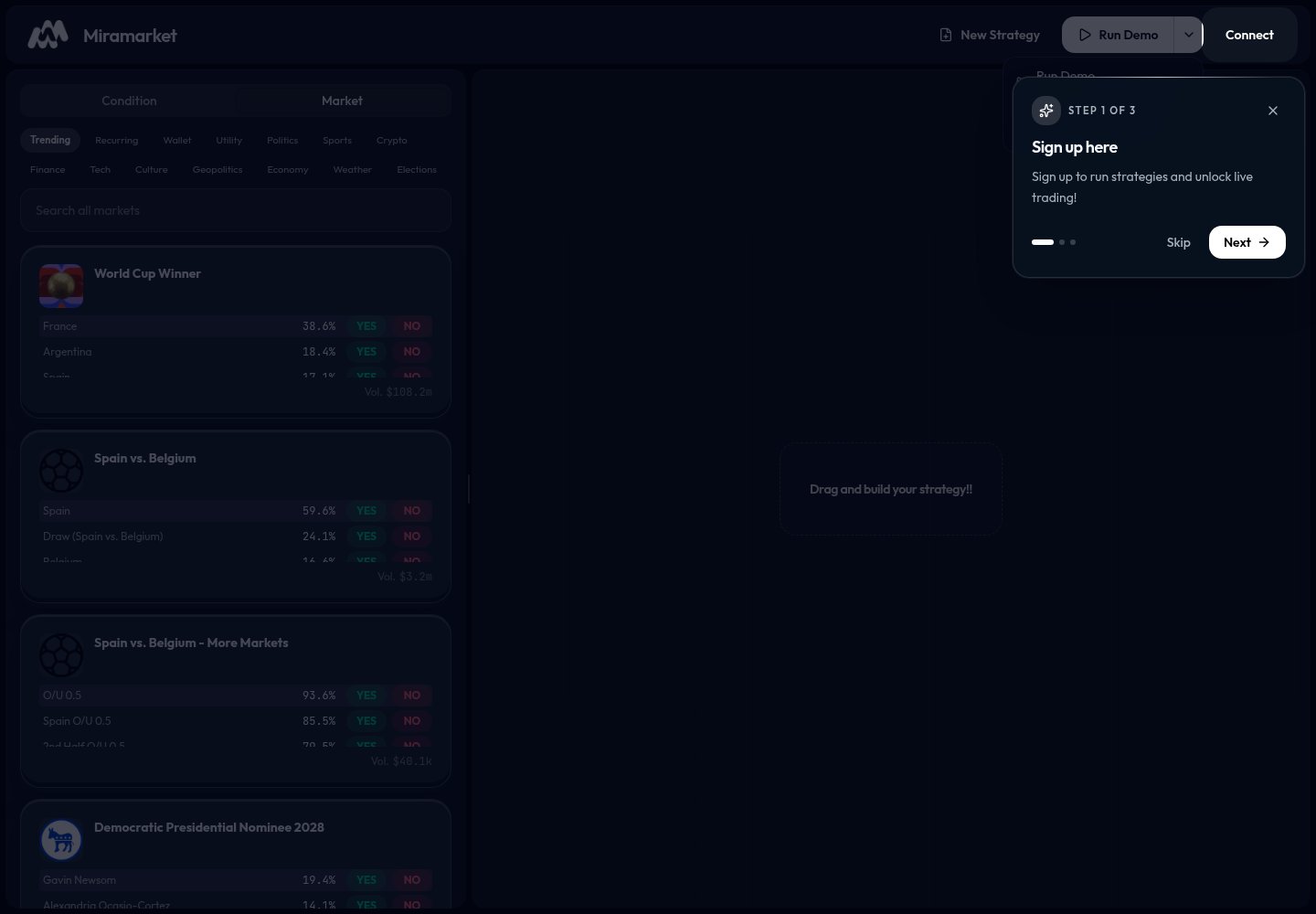
Run Demo
Use Run Demo to test a strategy without placing real trades. Demo mode is useful for checking:- Whether your condition is set correctly.
- Whether the action is attached to the right market.
- Whether the selected outcome is
YESorNO. - Whether the allocation looks right.
Run Live
Use Run Live only when you are ready to use real funds. Live mode may require you to connect a wallet and have funds available. Live trades can lose money.Connect wallet
Use Connect in the top bar when you are ready to sign in with a wallet.
Safe workflow
- Build the strategy.
- Run a demo.
- Fix anything that looks wrong.
- Review the market, outcome, condition, and allocation.
- Connect wallet.
- Use Run Live only if you accept the risk.
When not to run live
Do not run live if:- You do not understand the market.
- You are unsure whether
YESorNOis correct. - The price or close time looks wrong.
- You have not tested with Run Demo.
- You are not comfortable losing funds.