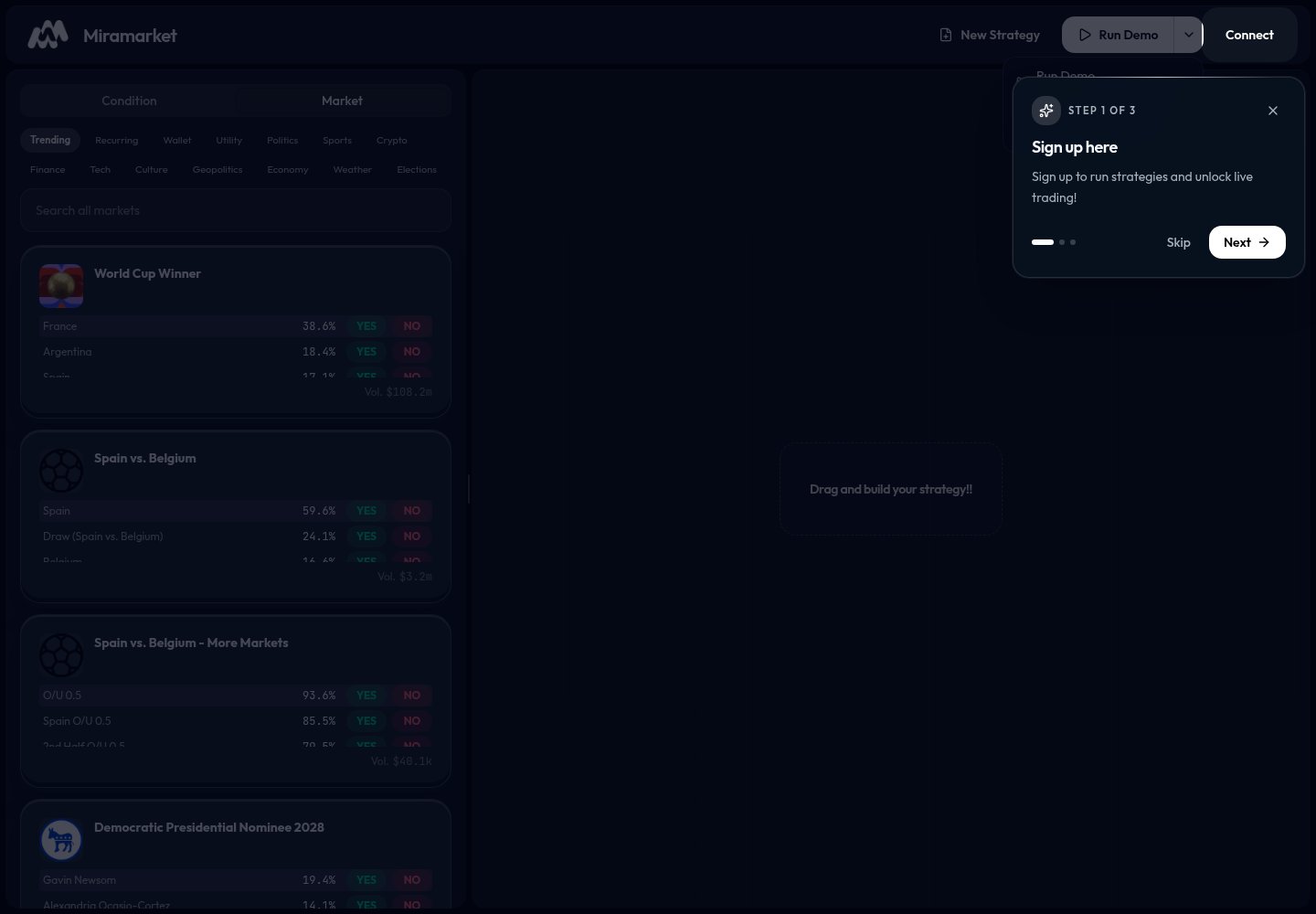
1. Open the builder
Go to app.miramarket.org.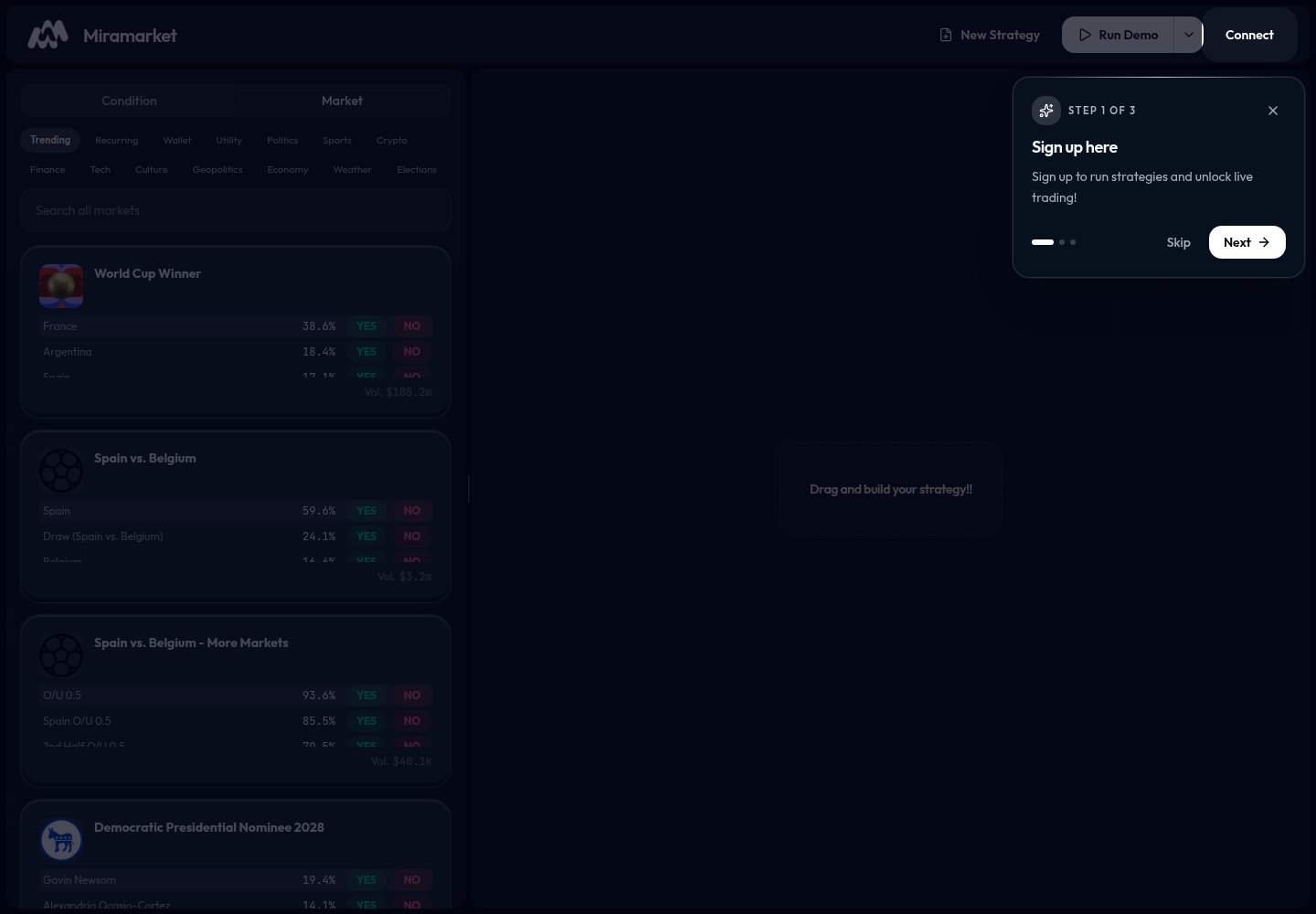
2. Find a market
Open the Market tab. Use Trending, a category filter, or search.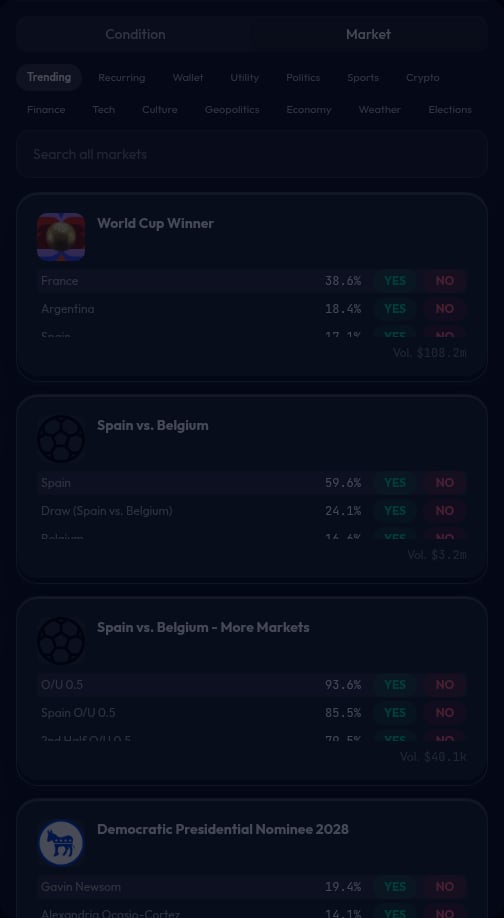
3. Choose YES or NO
Most market cards show YES and NO buttons.
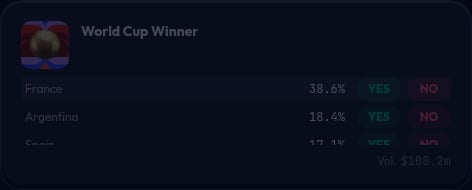
YES if you want the strategy to buy the “yes, this happens” side.
Choose NO if you want the strategy to buy the “no, this does not happen” side.
4. Add a price condition
Open the Condition tab and choose Price Condition.
5. Add the action
Click a market card to add the market action. The canvas should show a condition connected to an action.
6. Review the strategy
Before running anything, check:- Did you choose the right market?
- Did you choose the right
YESorNOside? - Does the condition match your intent?
- Does the amount or allocation look right?
7. Run a demo
Click Run Demo.
8. Use live mode only when ready
Open the run menu if you want to switch between demo and live.