> ## Documentation Index
> Fetch the complete documentation index at: https://docs.miramarket.org/llms.txt
> Use this file to discover all available pages before exploring further.
# Strategy builder tutorial
> Follow a step-by-step walkthrough for your first Miramarket strategy.
This tutorial builds a simple strategy: buy a market outcome only if the market price reaches your rule.
## 1. Open the builder
Go to [app.miramarket.org](https://app.miramarket.org).
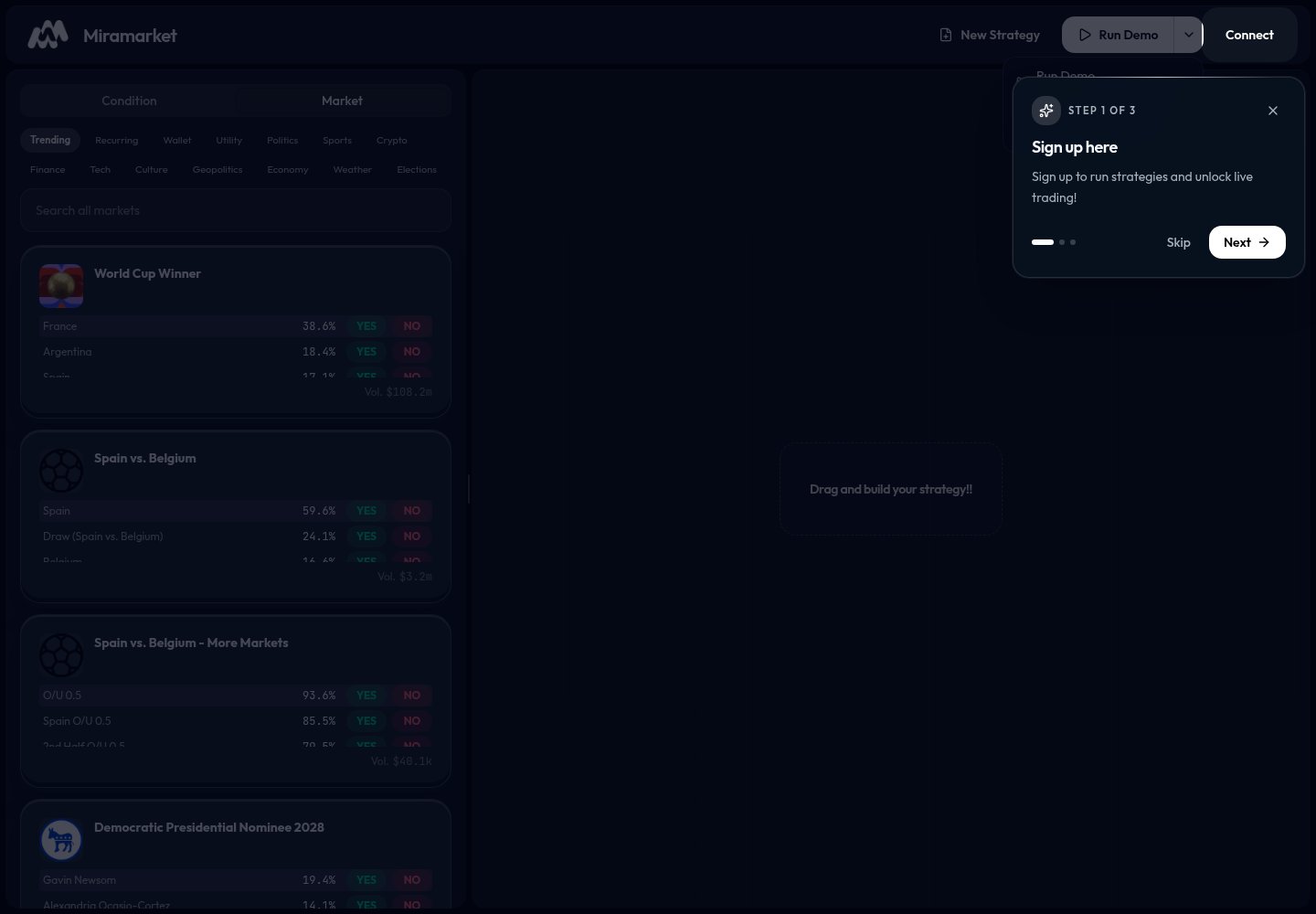
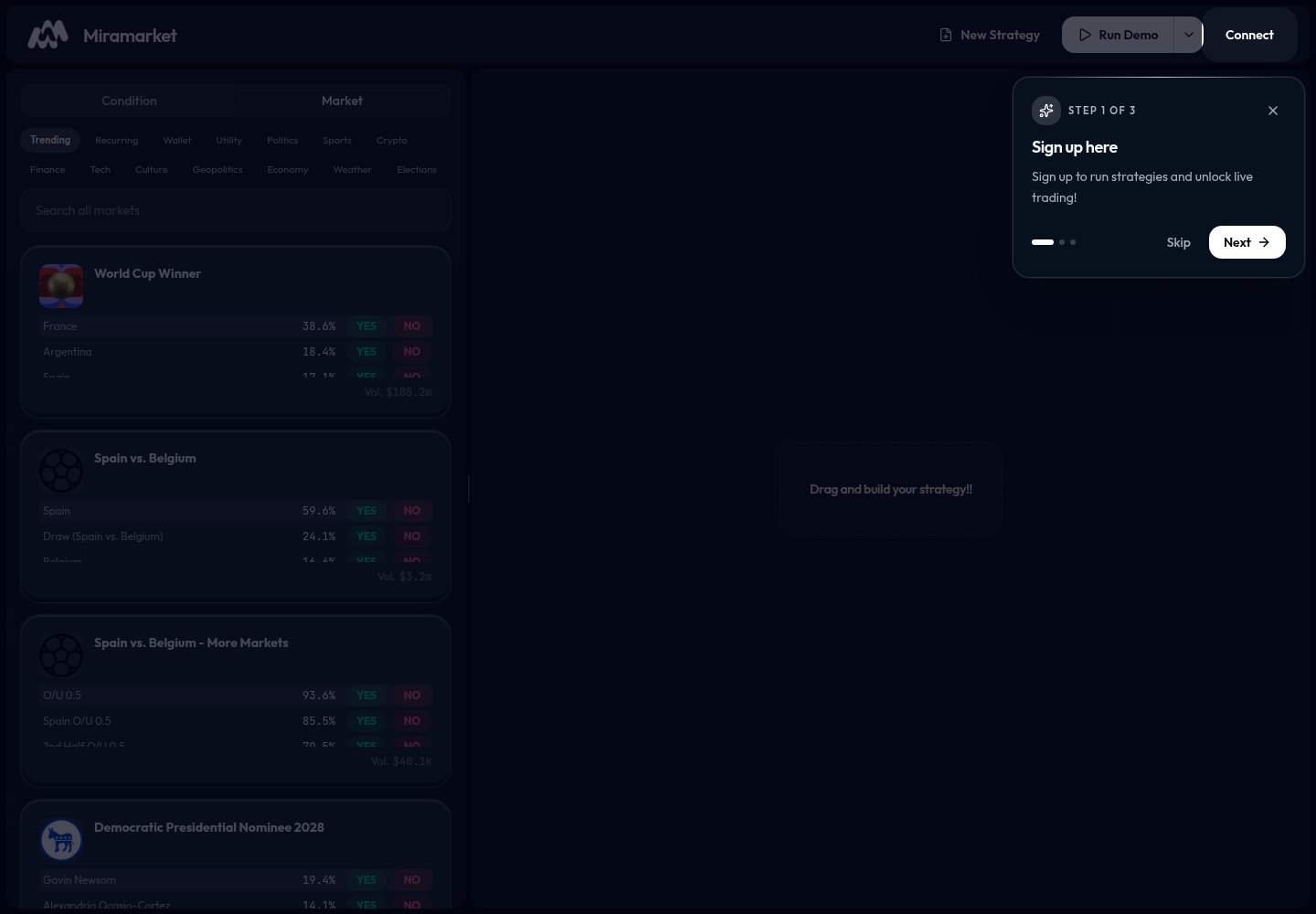 The left panel is where you choose building blocks. The canvas is where your strategy appears.
## 2. Find a market
Open the **Market** tab. Use **Trending**, a category filter, or search.
The left panel is where you choose building blocks. The canvas is where your strategy appears.
## 2. Find a market
Open the **Market** tab. Use **Trending**, a category filter, or search.
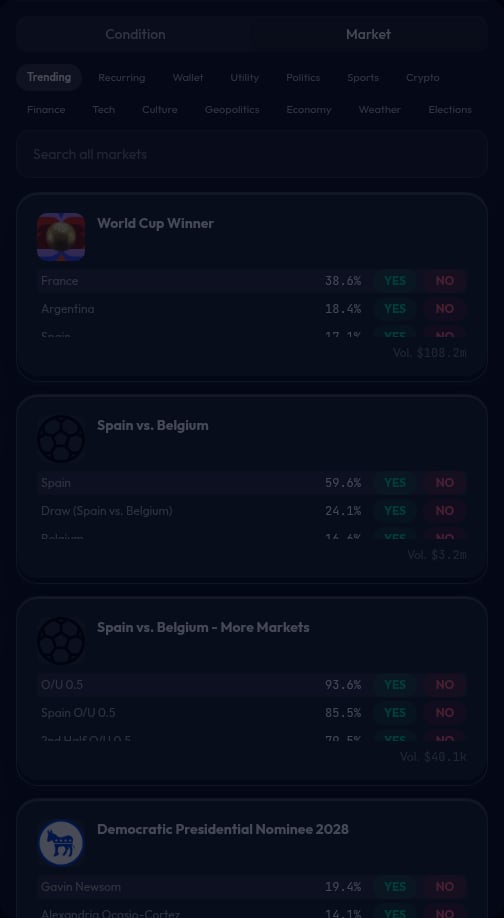 Choose a market you understand. Do not build around a market if you are unsure what it resolves to.
## 3. Choose `YES` or `NO`
Most market cards show `YES` and `NO` buttons.
Choose a market you understand. Do not build around a market if you are unsure what it resolves to.
## 3. Choose `YES` or `NO`
Most market cards show `YES` and `NO` buttons.
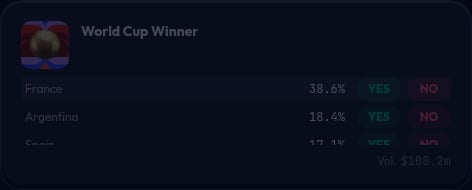 Choose `YES` if you want the strategy to buy the "yes, this happens" side.
Choose `NO` if you want the strategy to buy the "no, this does not happen" side.
## 4. Add a price condition
Open the **Condition** tab and choose **Price Condition**.
Choose `YES` if you want the strategy to buy the "yes, this happens" side.
Choose `NO` if you want the strategy to buy the "no, this does not happen" side.
## 4. Add a price condition
Open the **Condition** tab and choose **Price Condition**.
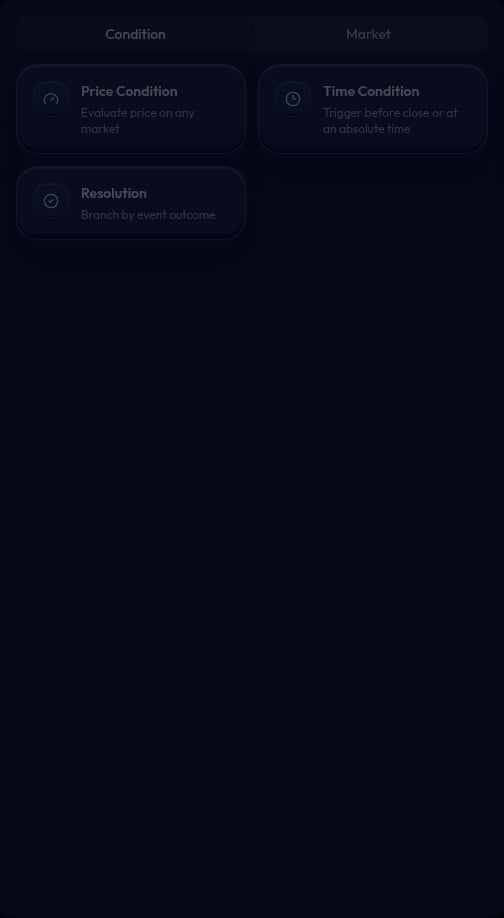 Set a rule that matches your idea. A simple first rule is: price is greater than 50 cents.
## 5. Add the action
Click a market card to add the market action. The canvas should show a condition connected to an action.
Set a rule that matches your idea. A simple first rule is: price is greater than 50 cents.
## 5. Add the action
Click a market card to add the market action. The canvas should show a condition connected to an action.
 The condition checks whether the strategy should act. The action shows what the strategy will try to do.
## 6. Review the strategy
Before running anything, check:
* Did you choose the right market?
* Did you choose the right `YES` or `NO` side?
* Does the condition match your intent?
* Does the amount or allocation look right?
## 7. Run a demo
Click **Run Demo**.
The condition checks whether the strategy should act. The action shows what the strategy will try to do.
## 6. Review the strategy
Before running anything, check:
* Did you choose the right market?
* Did you choose the right `YES` or `NO` side?
* Does the condition match your intent?
* Does the amount or allocation look right?
## 7. Run a demo
Click **Run Demo**.
 Demo mode is for learning and checking behavior. It does not place real trades.
## 8. Use live mode only when ready
Open the run menu if you want to switch between demo and live.
Demo mode is for learning and checking behavior. It does not place real trades.
## 8. Use live mode only when ready
Open the run menu if you want to switch between demo and live.
 **Run Live** can use real funds. Connect a wallet only when you are ready to take that risk.
## 9. Start over
Use **New Strategy** to clear the canvas and build a fresh strategy.
**Run Live** can use real funds. Connect a wallet only when you are ready to take that risk.
## 9. Start over
Use **New Strategy** to clear the canvas and build a fresh strategy.